How it works
From a finished job to a new review, step by step.
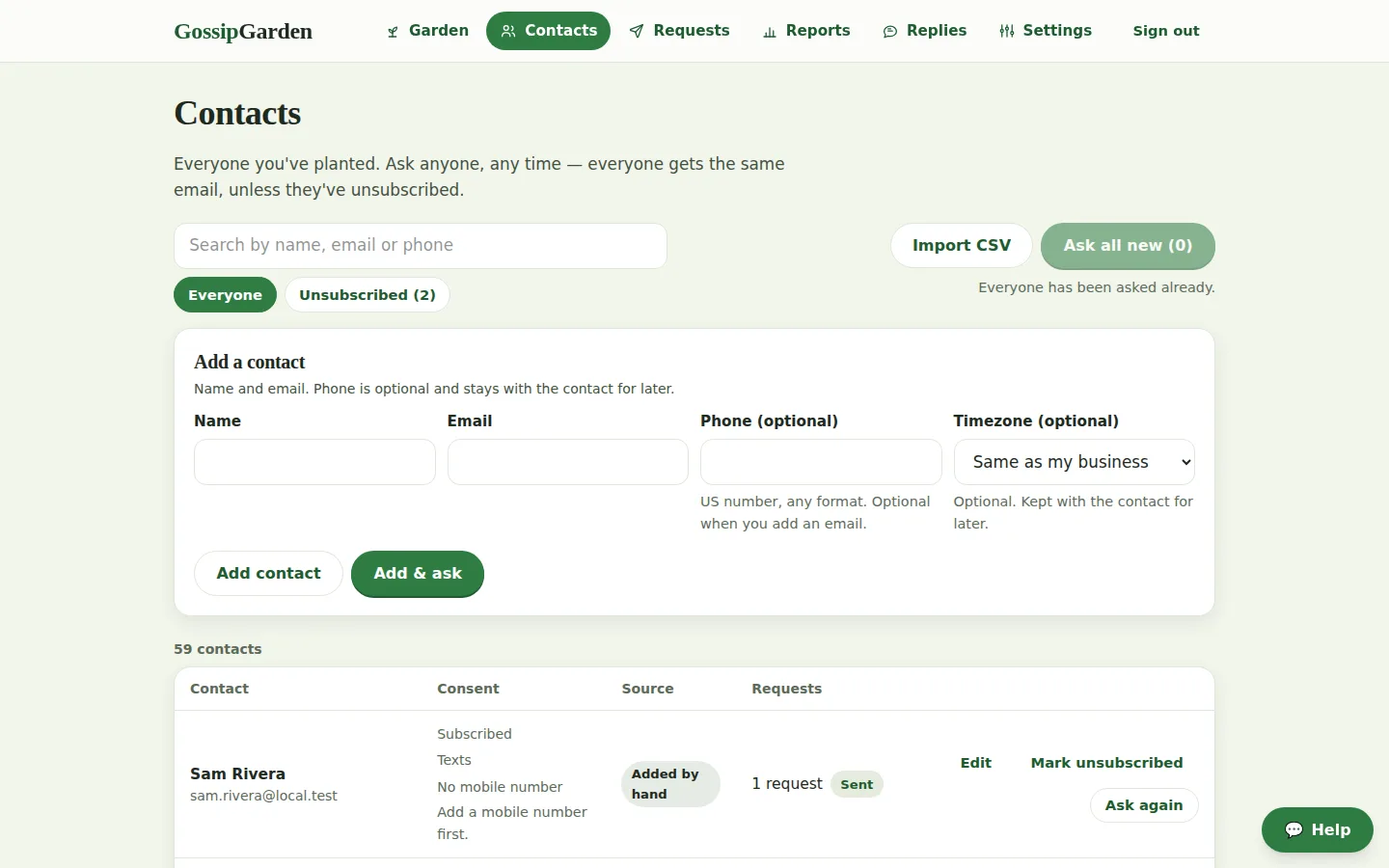
1. Add your customers
Type a name and an email after the job, or import a list. Consent and unsubscribes are tracked per person from the first row.
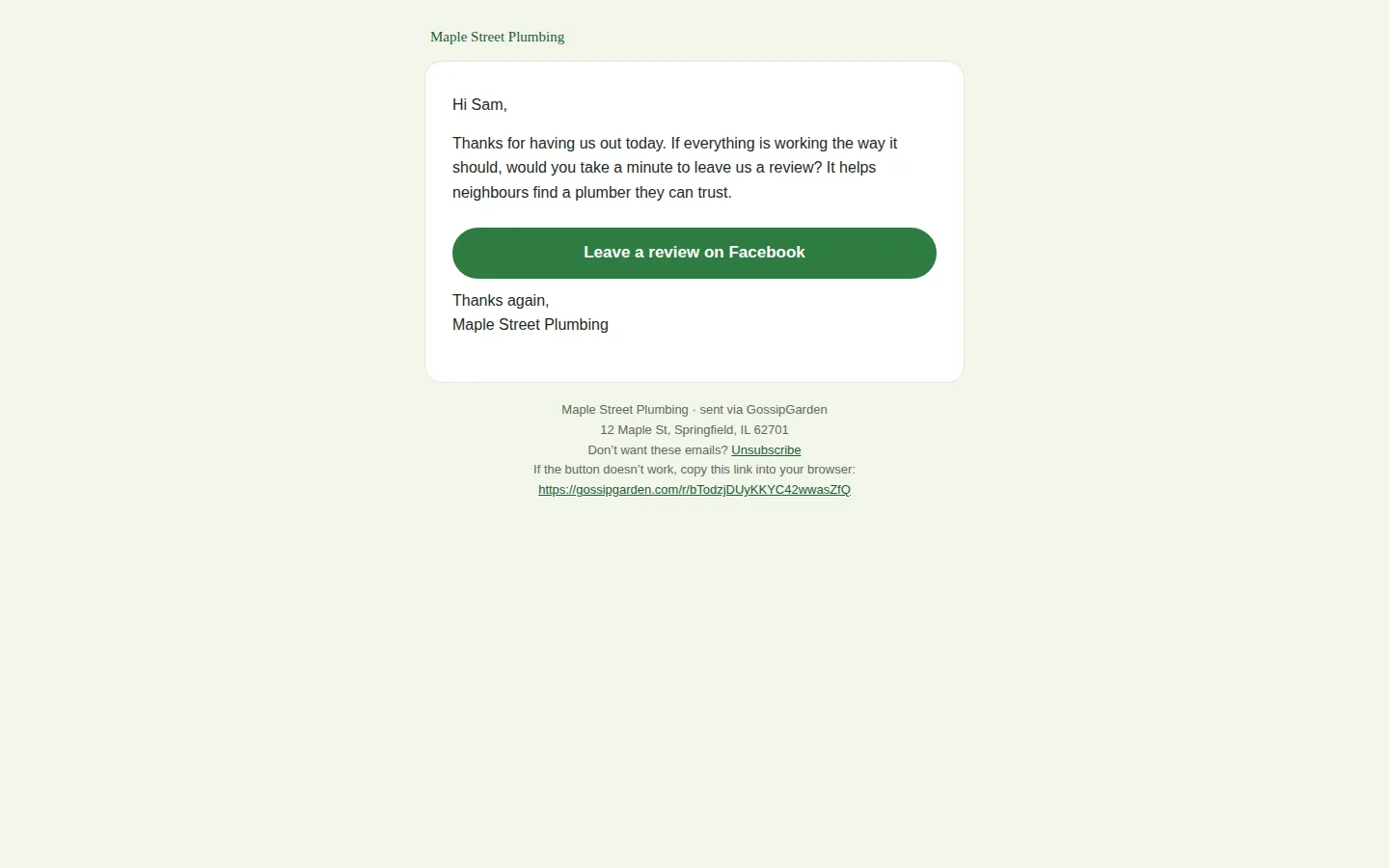
2. We ask everyone
A warm email with your logo goes out on your schedule, then up to two gentle reminders. Every customer gets the same ask — there is no sentiment step anywhere.
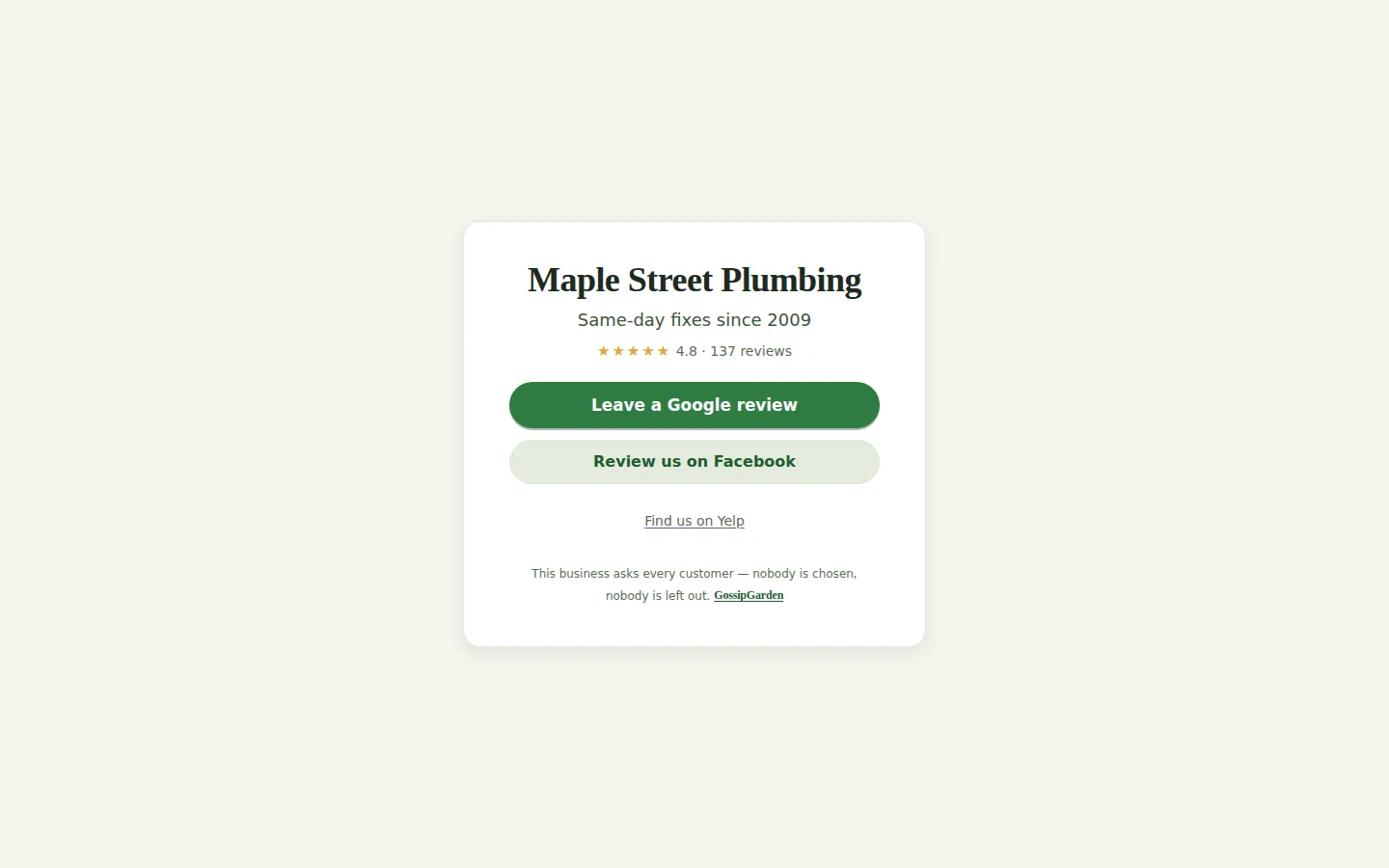
3. They click through to the review site
The button lands on Google, or on the review site you've weighted for that ask. Reminders stop the moment someone clicks or unsubscribes.
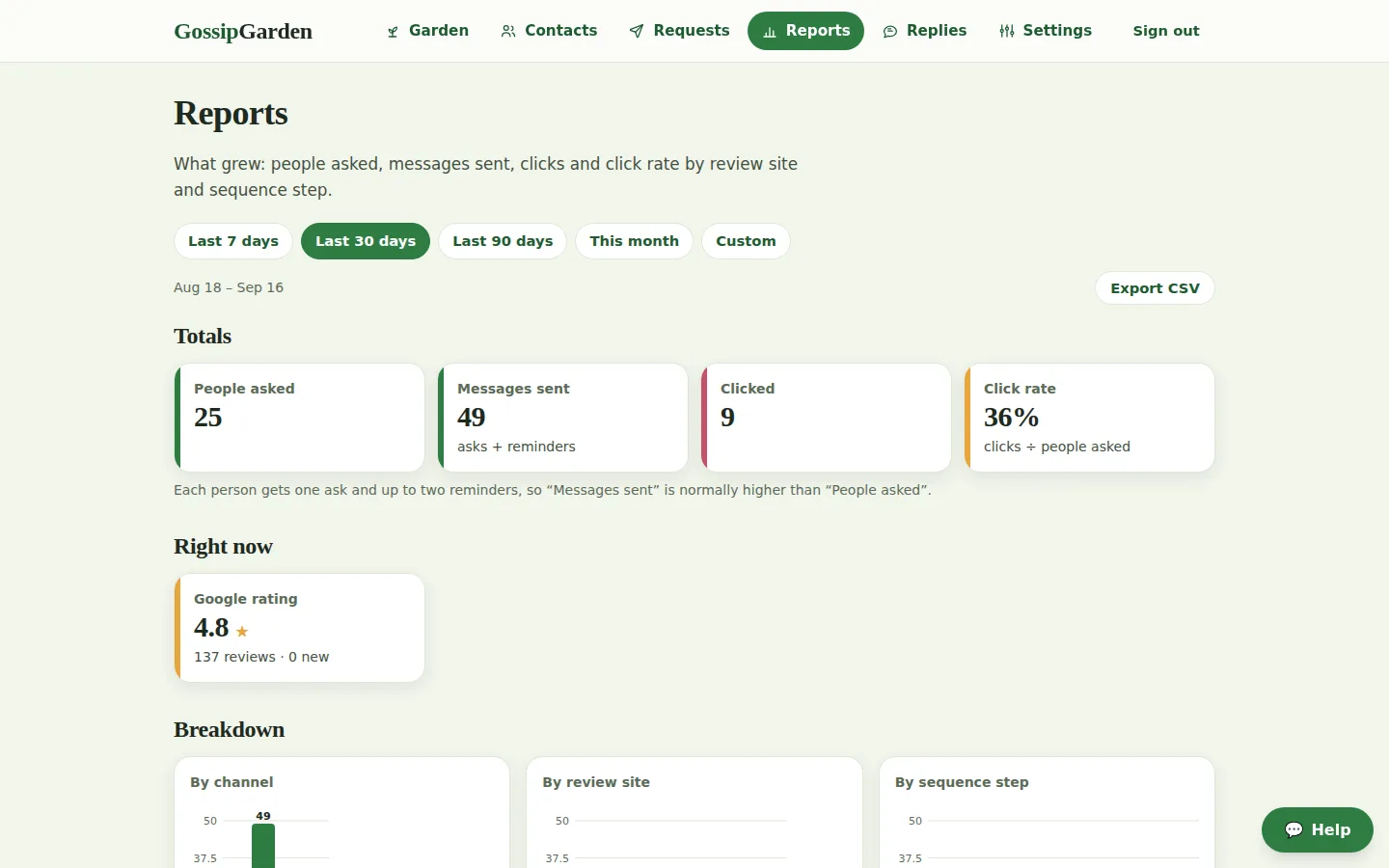
4. You watch the numbers
Messages sent, clicks and click rate by review site and by step, week by week, plus a Monday digest in your inbox.


Timing you control
Asks go out inside the send window you set, in your timezone (8am to 8pm by default). Reminders follow at the delays you choose — 24 hours to a week — and stop as soon as someone clicks, unsubscribes, or the sequence ends.
What stops a sequence
A click on any review link, an unsubscribe, an address on your do-not-contact list, or a bounce. Each one stops every remaining step for that person, immediately.
Which site an ask points to
Weights share the asks out across your enabled review sites: a site at weight 3 gets three asks for every one Google gets at weight 1. The choice never depends on the customer.
Ready to grow?
Fourteen days free, then $29 a month. Set up in ten minutes; cancel anytime.